


Multimodal RAG: why your RAG breaks on real documents


The RAG (Retrieval-Augmented Generation) assistant answered every demo question perfectly, then someone uploaded a scanned invoice and it quoted a total that wasn't on the page. Nothing was wrong with the model. The demo had run on clean text files, and the first real document — a scan, with a table — never reached the model as readable content at all. This is where multimodal RAG earns its name: a system built to read real documents — the parts in images and tables, not only the clean text underneath.
Most wrong answers on real documents are made during ingestion, before the model ever sees the question. Plain text extraction flattens a table into a stream of numbers, skips anything inside an image, and returns nothing from a scan. Retrieval then pulls noise, and the model answers confidently from noise. Fixing the answer means fixing how the document was read, not tuning the prompt.
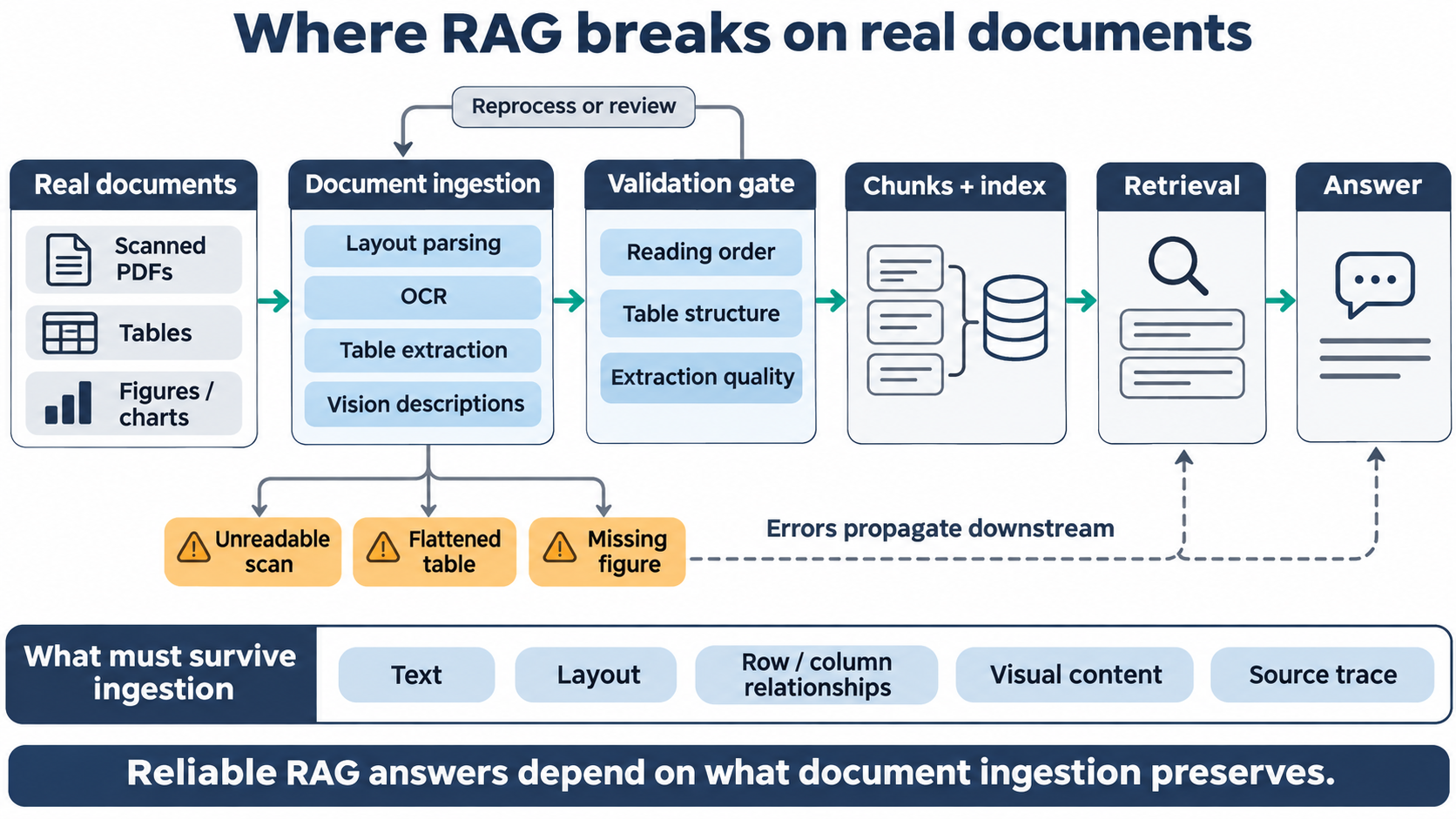
What follows is why RAG breaks on real documents and the ingestion steps that fix it — layout-aware parsing instead of plain text, OCR for scans, pulling tables out as structure, and using a vision model to turn figures and complex tables into text a retriever can actually find.
Why RAG breaks on real documents
RAG breaks on real documents because the content never reaches retrieval in a usable form. A RAG pipeline runs in stages: a document is parsed into text, that text is split into chunks, the chunks are embedded and stored, and at query time the most relevant chunks are retrieved and handed to the model. Every stage inherits the output of the one before it, so a parsing error at the start is not something a better prompt or a better model can undo later.
The gap between a demo and production is the documents themselves. Demos use clean text; production brings scanned PDFs, multi-column layouts, tables, and figures. Google's own guidance is blunt about the risk — standard OCR flattens documents, destroying the structure that carries meaning such as headings, tables, and lists. Once that structure is gone, retrieval has only a jumble to work with.
This is a different problem from retrieval quality. Chunking, ranking, and grounding — the work of fixing RAG retrieval — all assume the text was extracted correctly in the first place. Ingestion is the step before that, and it decides the ceiling on everything downstream in your production AI systems.
Parse for layout, not just text
Extract documents with a parser that understands layout, not one that dumps a flat stream of text. A plain extractor reading a two-column page often runs straight across the columns, splicing the left column into the right and scrambling every sentence. A layout-aware parser keeps reading order, columns, and headings intact. Microsoft's Document Intelligence layout model returns text, tables, section headings, figures, and reading order as distinct elements rather than one undifferentiated block, which is exactly the structure retrieval needs to keep chunks coherent.
Layout also carries meaning that plain text loses. A heading tells the retriever what a section is about; a column boundary keeps unrelated text apart; a caption binds to its figure. Preserving these is the heart of document-to-structured-data extraction, and it is why a layout-aware parse usually beats a cleaner-looking but structureless text dump. The practical test is simple: read the extracted text for one real page and check whether a human could still follow it.
OCR scans and image-only PDFs before anything else
A scanned or image-only PDF has no text layer, so without OCR (Optical Character Recognition) its content is invisible to retrieval — the pipeline indexes an empty page and the assistant answers from whatever else it can find. Run OCR first, as a required step, not an optional one. Amazon Textract, for example, extracts text, handwriting, forms, and tables from scanned documents, which matters most for the document types that arrive as scans in the first place: scanned clinical and lab documents, signed contracts, and paper forms.
OCR is not free of error, and pretending otherwise is how bad data enters the index quietly. A poor scan, a skewed page, or dense handwriting lowers accuracy, so use the confidence scores these services return: index high-confidence text, and flag low-confidence pages for a human to check rather than letting a misread figure flow through as fact. A page that fails OCR cleanly is a page you can route to review; a page that half-succeeds is the one that produces a confident wrong answer.
Getting this pipeline right — layout parsing, OCR, table extraction, and the validation around them — is most of what separates a RAG demo from one that survives real customer documents. Our engineers have built these ingestion stages on messy, mixed document sets. Build yours with engineers who build RAG ingestion pipelines.
Extract tables as structure, not flattened text
A table read as plain text becomes unusable the moment it is flattened. Row and column relationships are the whole point of a table, and a parser that reads it left-to-right turns a line item into a loose string of words and numbers with nothing tying a value to its row or its column header. Extract tables as tables instead — Amazon Textract preserves the composition of data stored in tables, which it calls out specifically for financial reports and medical records, and Microsoft's layout model returns tables with their rows and columns intact.
The failure this prevents is concrete. Flatten an invoice and the number 1,240 arrives in the index detached from whether it was a unit price, a line total, or the grand total; asked for the total, the assistant picks a plausible number and sounds certain. Keep the table structured and each value stays bound to its headers, so retrieval returns the right cell and the model has something true to ground on.
Flattening a table costs you exactly the relationships that make the answer correct:
- Which column a number belongs to — price, quantity, tax, or total.
- Which row it belongs to — which line item, which date, which account.
- Which cells are headers versus values, so the model reads the table as you do.
- Totals and subtotals, which become indistinguishable once the grid is gone.
Use a vision model for figures and complex tables
Some content exists only as an image, and a vision model is how you make it retrievable. A chart, a diagram, a scanned figure, or a table too complex for a parser to split cleanly carries information that plain extraction skips entirely. A vision model can read that image and describe it in text — Claude's vision capability analyzes images, charts, and diagrams and can produce a text description you then index alongside the page. Google's layout parser applies the same idea, annotating an image or table as a descriptive block of text. That description step is the "multimodal" in multimodal RAG: the system reads images, not only text.
Use vision selectively, because it adds cost and latency on every page it touches. Send it the pages or elements that parsing and OCR cannot handle — a dense chart, a figure with embedded labels, a table with merged cells — rather than every page by default, and keep a human in the loop where the output is high-stakes. One caveat that catches teams out: a vision description is prose, so exact identifiers and codes it mentions still need to be searchable as literal terms, which is where keyword and hybrid search come in, covered separately.
Where ingestion still goes wrong
Even with the right tools, ingestion fails in predictable ways, and a RAG system that doesn't check its own extraction will serve those failures as confident answers. The common ones are worth watching for directly, because each produces wrong output that looks fine downstream.
This is the same hard-won lesson behind document ingestion in EdTech, where mixed real-world documents break extraction first:
- Poor scans and skew — low-confidence OCR that reads a 3 as an 8 and indexes it as fact.
- Merged or nested table cells — structure that even good table extractors split wrongly.
- Mixed print and handwriting, or multiple languages, on the same page.
- Pages that are part text, part image — where the text layer looks complete but half the content is in a figure.
The defence is validation, not hope. Keep the confidence scores your parser and OCR return, spot-check a sample of real pages before trusting the pipeline, and store enough metadata to trace any answer back to the page and element it came from. When a wrong answer does appear, that trace tells you whether the problem was extraction, retrieval, or the model — and for real documents, it is far more often extraction than teams expect. The elements and their fixes line up cleanly:
Key takeaways
- Most wrong RAG answers on real documents are made at ingestion, before the model sees the question, so fixing the prompt rarely helps.
- Parse for layout — reading order, columns, headings — because plain text extraction scrambles multi-column pages and loses structure retrieval depends on.
- Run OCR on scans and image-only PDFs as a required step, and use confidence scores to flag low-confidence pages for review.
- Extract tables as rows and columns, not flattened text, so each value stays bound to its row and column headers.
- Use a vision model to describe figures and complex tables so they become retrievable — the multimodal step — and validate extraction rather than trusting it.
Why ingestion decides whether RAG survives real documents
A RAG assistant is only as good as what reaches the index, and on real documents that is decided long before retrieval or the model. The order of work that holds up is to parse for layout, OCR the scans, pull tables out as structure, describe the figures a parser can't read, and validate the result before trusting it. Do that, and the assistant answers from what the document actually says; skip it, and a confident wrong answer is only a matter of which real file lands first.
If your RAG assistant looks sharp in the demo and falls apart on real customer documents, the fix is almost always in ingestion rather than the model — get your RAG pipeline reading real documents with our team.
FAQ









Interesting For You


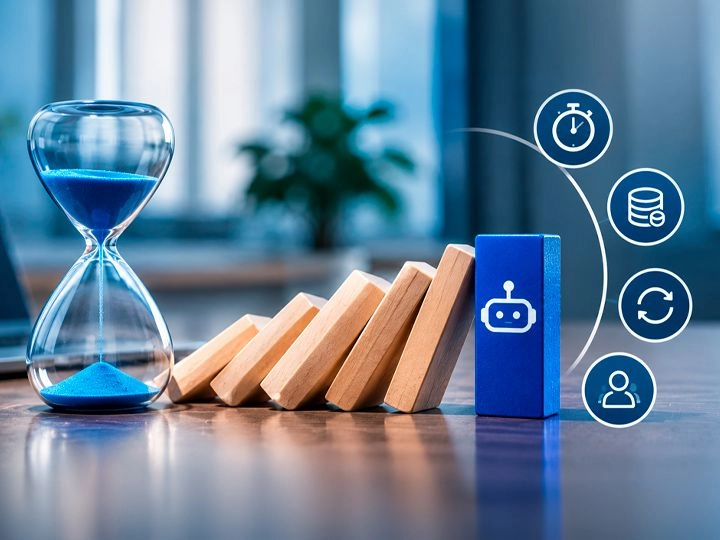
AI agents in production: controls that stop runaway runs
What follows is why agents run away, the specific controls that stop them — per-step and per-run timeouts, retries with backoff and idempotency, token and cost budgets, loop detection — and when escalating to a human beats retrying one more time.
Read article

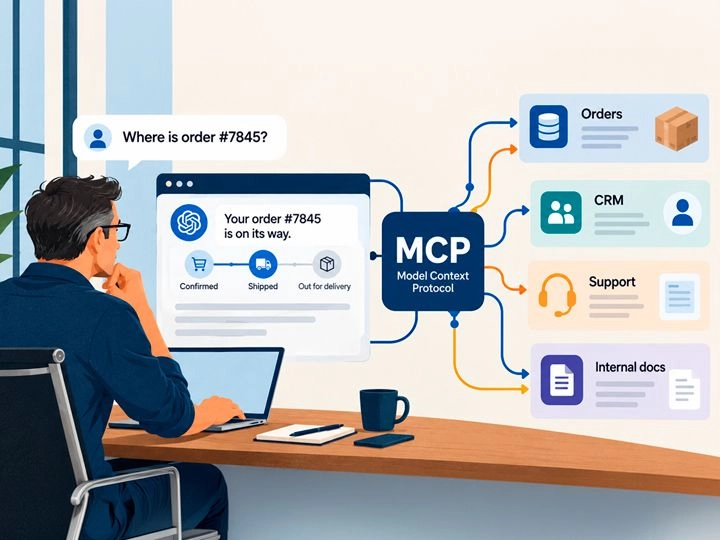
MCP integration: connecting AI to the data it needs
What follows explains what MCP standardizes, how tools and resources differ, how to design scoped access with approval gates, and where these integrations tend to break once real traffic and real permissions are involved.
Read article

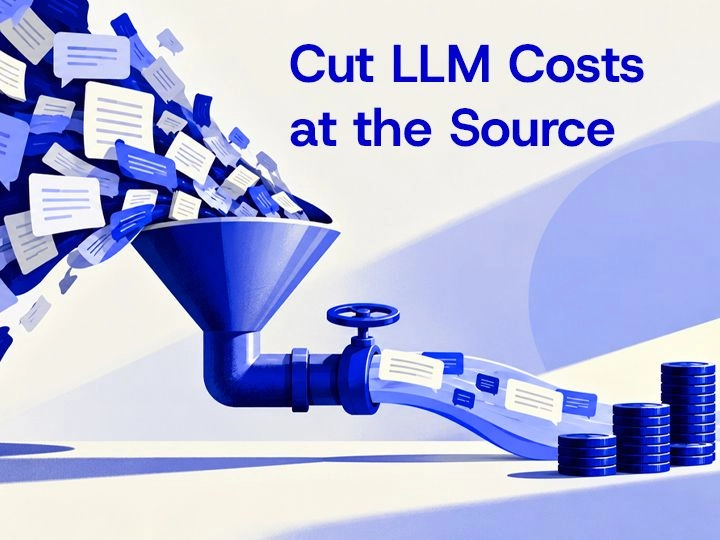
LLM cost optimization: controlling tokens and model choice
What follows maps where the cost accumulates, which controls reduce it without hurting answer quality, how to choose between caching, routing, and batching, and the instrumentation you need before changing anything in production.
Read article